June 25, 2026
How to Buy Crypto with Apple Pay & Apple Cash in 2026
By Alex Carter, Apple & Crypto Analyst at AppleCryptos · Last updated June 25, 2026
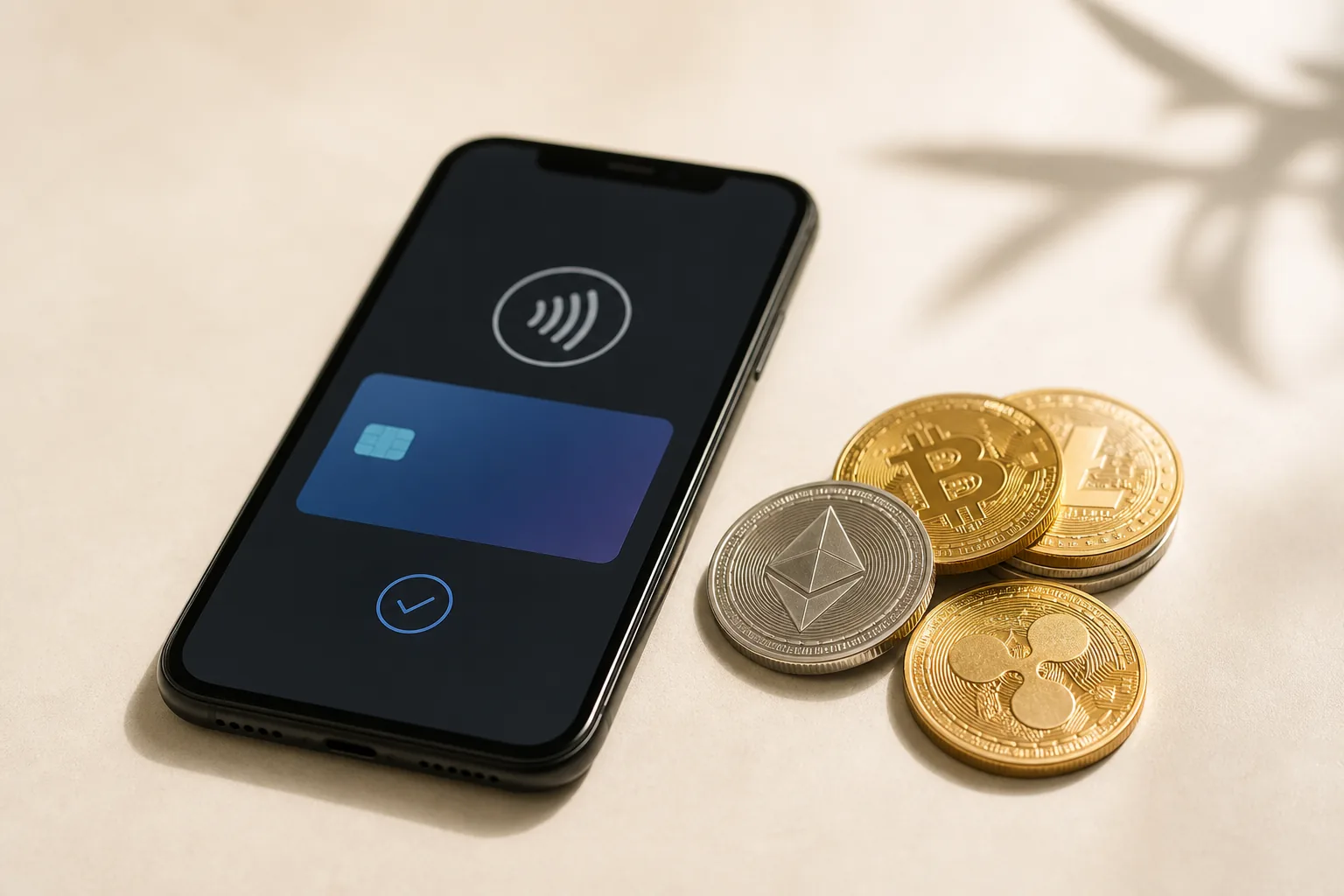
Apple does not sell cryptocurrency itself, but your iPhone already holds two of the fastest ways to fund a purchase. With Apple Pay — and, with one extra step, Apple Cash — you can buy Bitcoin, Ethereum or a stablecoin in a couple of minutes and then spend it however you like, including on a brand-new Apple device paid for in crypto.
Can you buy crypto with Apple Pay?
Yes. Apple Pay is accepted as a checkout method by most of the major regulated crypto on-ramps. The app charges your Apple Pay card and delivers coins to your wallet within minutes, and you authorise the whole thing with Face ID or Touch ID — so the crypto app never sees your real card number.
Apps that accept Apple Pay for crypto
These are the mainstream options. Coins, limits and availability vary by country and by whether you use a debit or credit card.
| Service | Apple Pay | Typical fee |
|---|---|---|
| Coinbase (incl. Onramp) | Yes | Variable card fee |
| MoonPay | Yes | Up to ~4.5% (free via bank-funded MoonPay Balance) |
| Ramp | Yes | Up to ~5.45% |
| Crypto.com | Yes | Card + spread |
| BitPay | Yes | Card + spread |
Wallets such as MetaMask, Trust Wallet and Exodus do not charge their own buy fee but route you to a processor like MoonPay or Ramp, so you still pay that processor's card fee.
What about Apple Cash?
Apple Cash — the balance from Apple's person-to-person payments — works a little differently. Most on-ramps support Apple Pay rather than Apple Cash directly, so there are two reliable routes: set your Apple Cash card as the funding source for Apple Pay and pay through that, or transfer the Apple Cash balance to your linked bank account first and then buy crypto from any exchange. Either way, the coins land in a wallet you control.
How to buy crypto with Apple Pay: step by step
- Open a reputable app that supports Apple Pay (for example Coinbase or MoonPay) and choose your coin — Bitcoin, Ethereum or a stablecoin like USDT.
- Enter the amount. The app shows the exact coin amount and the fee before you commit.
- Select Apple Pay at checkout and confirm with Face ID or Touch ID.
- Withdraw the coins to a wallet you control (a hardware wallet, MetaMask or BlueWallet) if you plan to spend them elsewhere.
Fees, limits and the cheaper alternative
Card-based on-ramps typically charge between 3% and 5.5% because the card networks charge them. Funding by bank transfer is far cheaper or free. A debit card linked to Apple Pay usually works out cheaper than a credit card, which some banks treat as a costly cash advance. Regulated on-ramps also require ID verification — if you would rather not link a card at all, you can fund a wallet and pay privately with Monero instead.
What to spend your crypto on
Once the coins are in your wallet you can spend them with us in a single checkout — no bank account, no card. Start with an iPhone with Bitcoin, a MacBook with crypto, or pick the cheapest coin to pay with in our guide to which cryptocurrency to use. Browse the full store.
Ready to buy Apple with crypto?
Shop genuine, sealed Apple products and pay privately with Bitcoin, USDT and 20+ coins.
Browse products